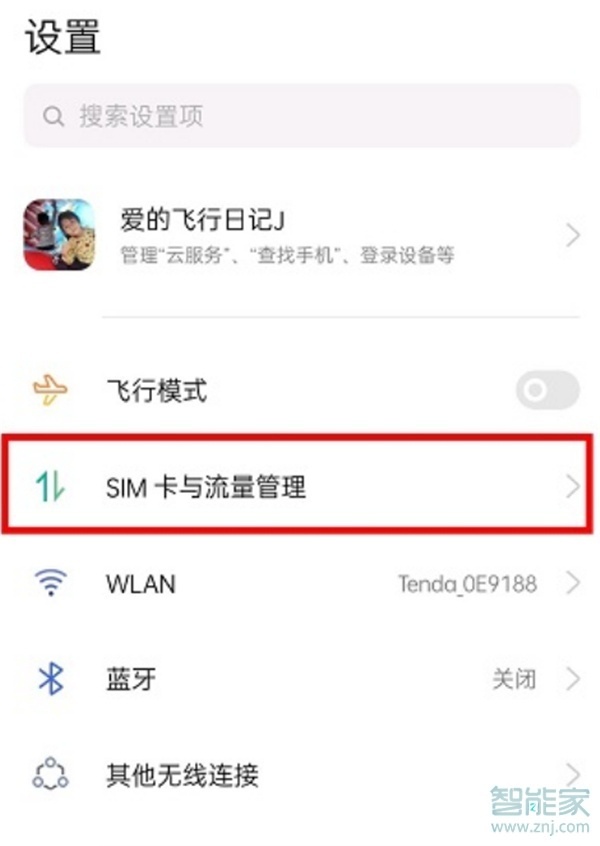
全面屏流行了那么久,估计很多朋友都用习惯了虚拟按键,但也有的朋友想要关闭虚拟键这个功能,小编为大家带来华为mate30pro打开虚拟按键的步骤。
 华为mate30pro怎么打开虚拟导航键?
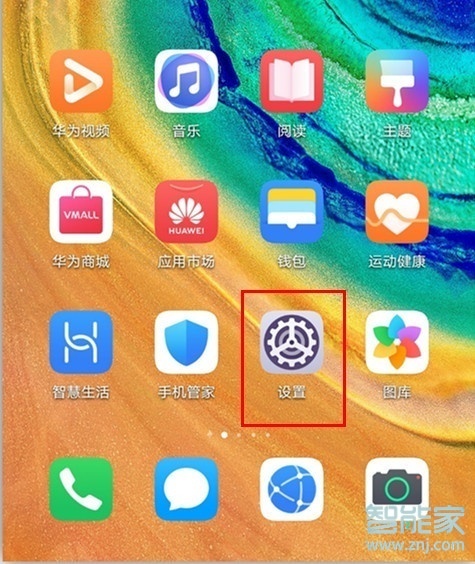
1、打开华为mate30pro手机桌面上的【设置】,
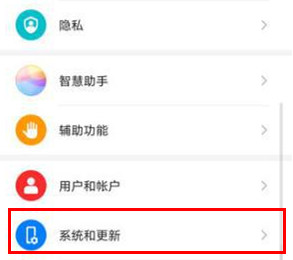
2、在设置菜单下,点击进入【系统和更新】,
3、在系统页面下点击进入【系统导航方式】,

4、点击勾选【屏幕内三键导航】即可。

以上就是乐呵呵网小编给大家带来的关于“华为mate30pro怎么打开虚拟导航键”的全部内容了,了解更多智能资讯尽在乐呵呵网(m.rkxy.com.cn)!